MagicFlix 2: How do I create a brand?
1 month ago
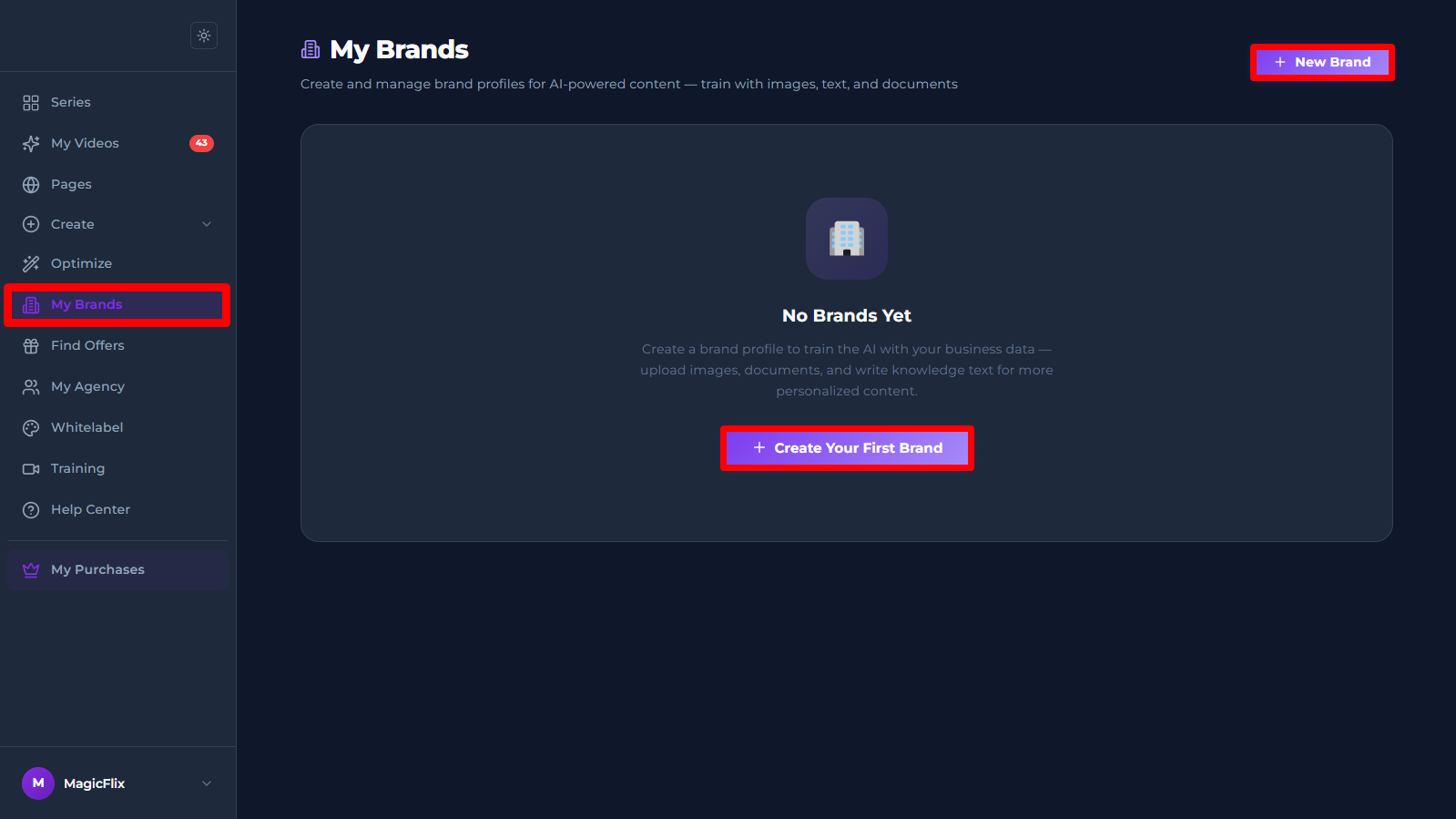
- Login to MagicFlix, click on my brands tab to the right, then click on “Create your first brand” or on “New Brand
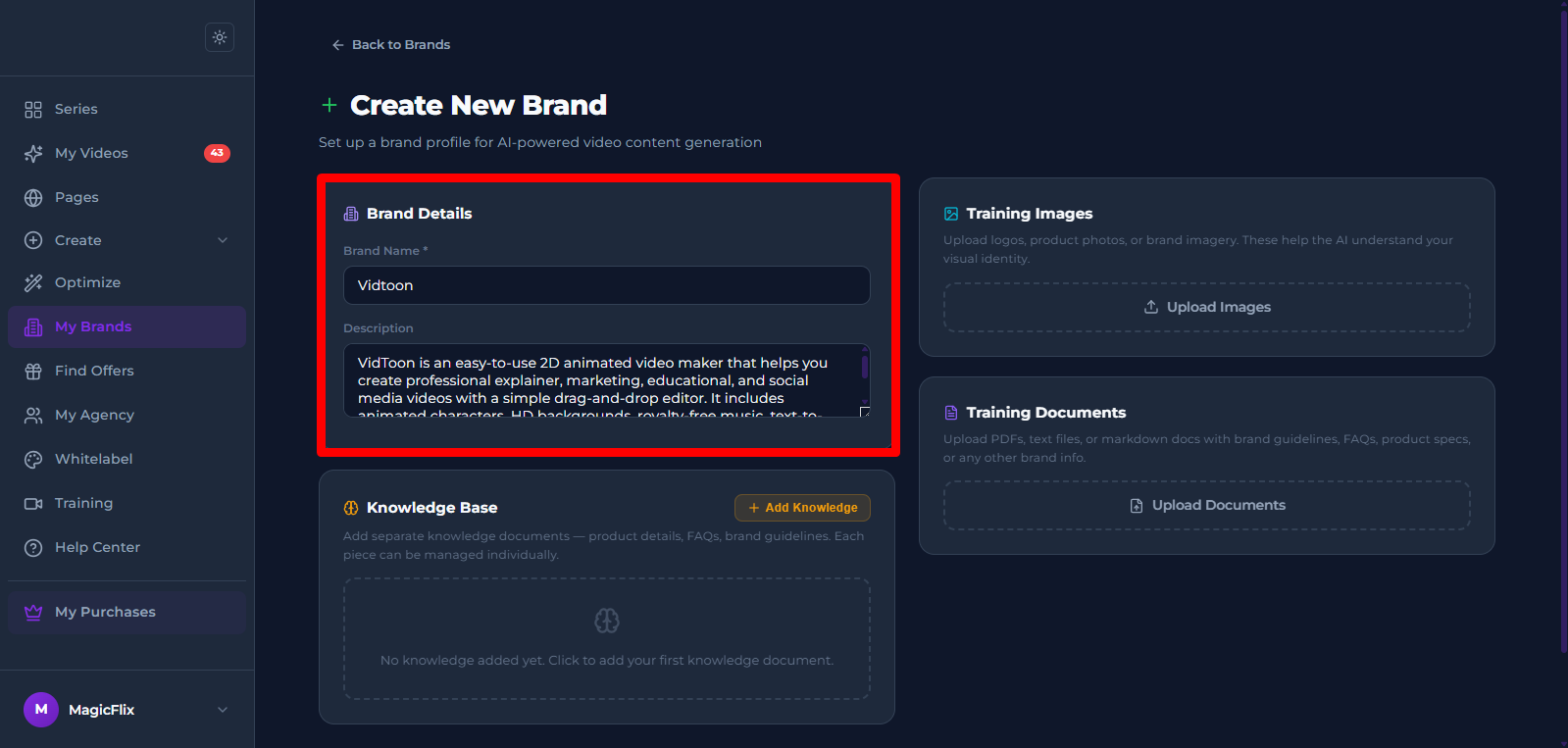
- Brand Details: add your brand name, and a description for the brand
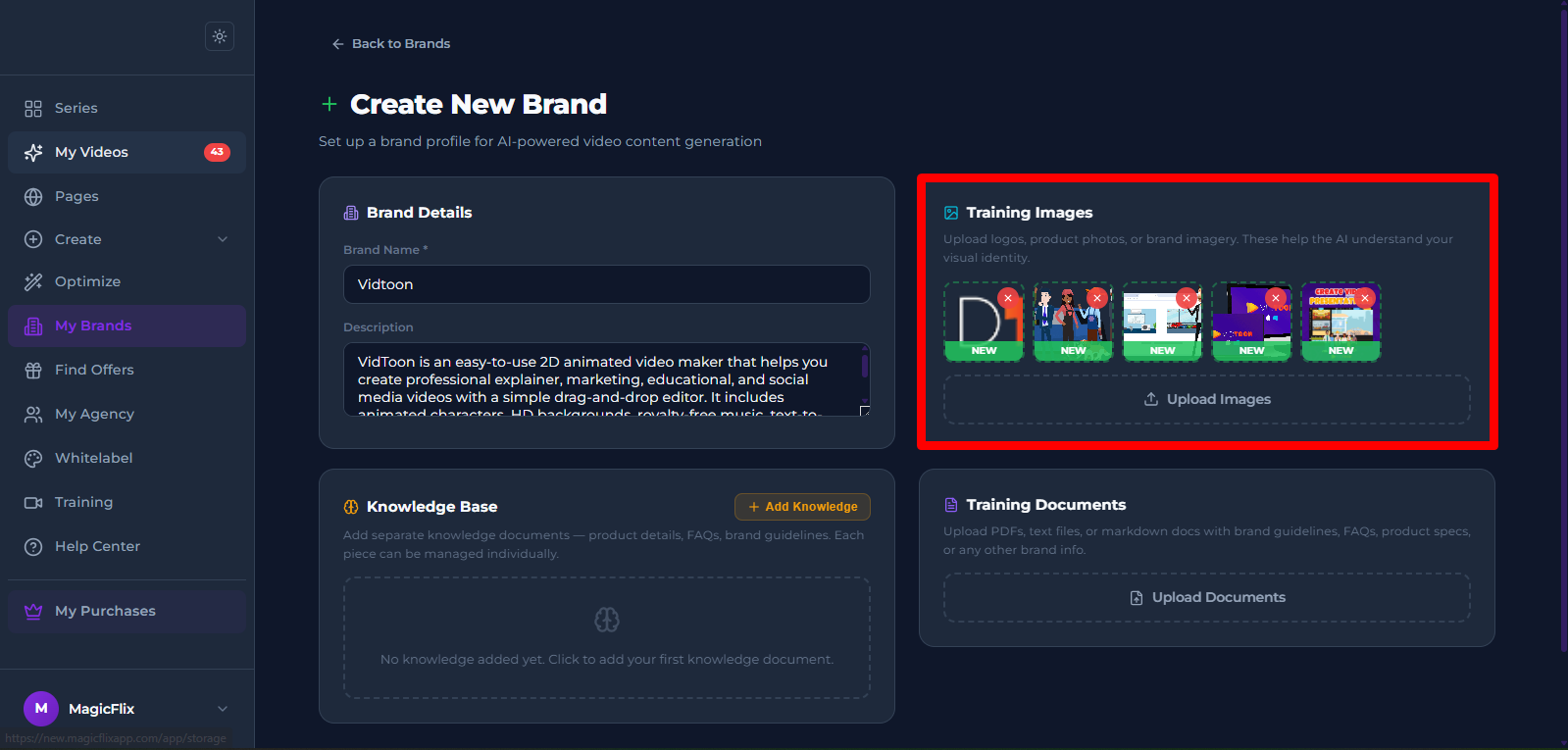
- Training Images: Upload your training images: From Logos, banners, to Visuals and Product Images
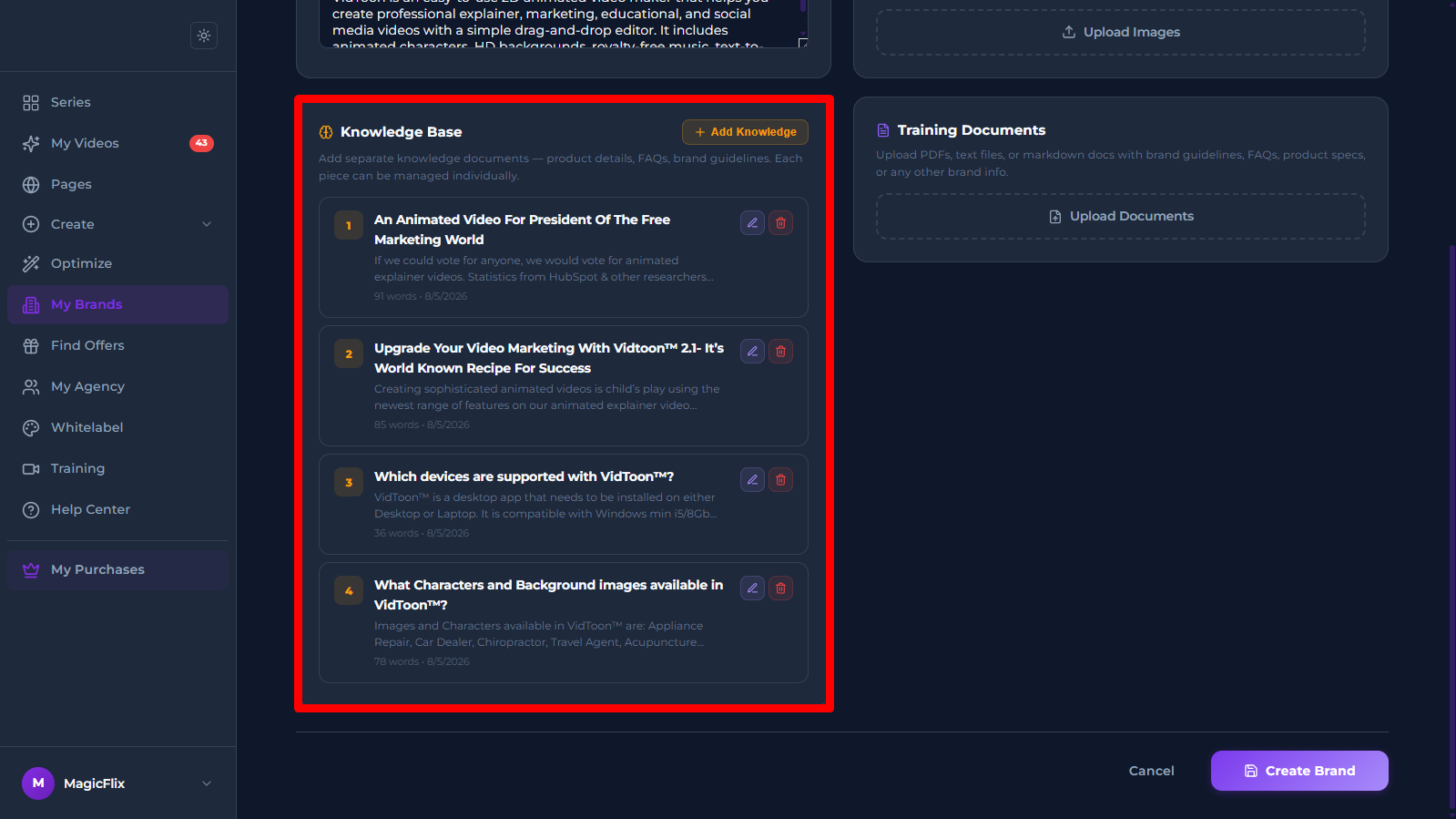
- Knowledge Base: Add knowledge documents like product details, FAQs, and brand guidelines
- Training Documents: Add any other training documents you might have for your brand
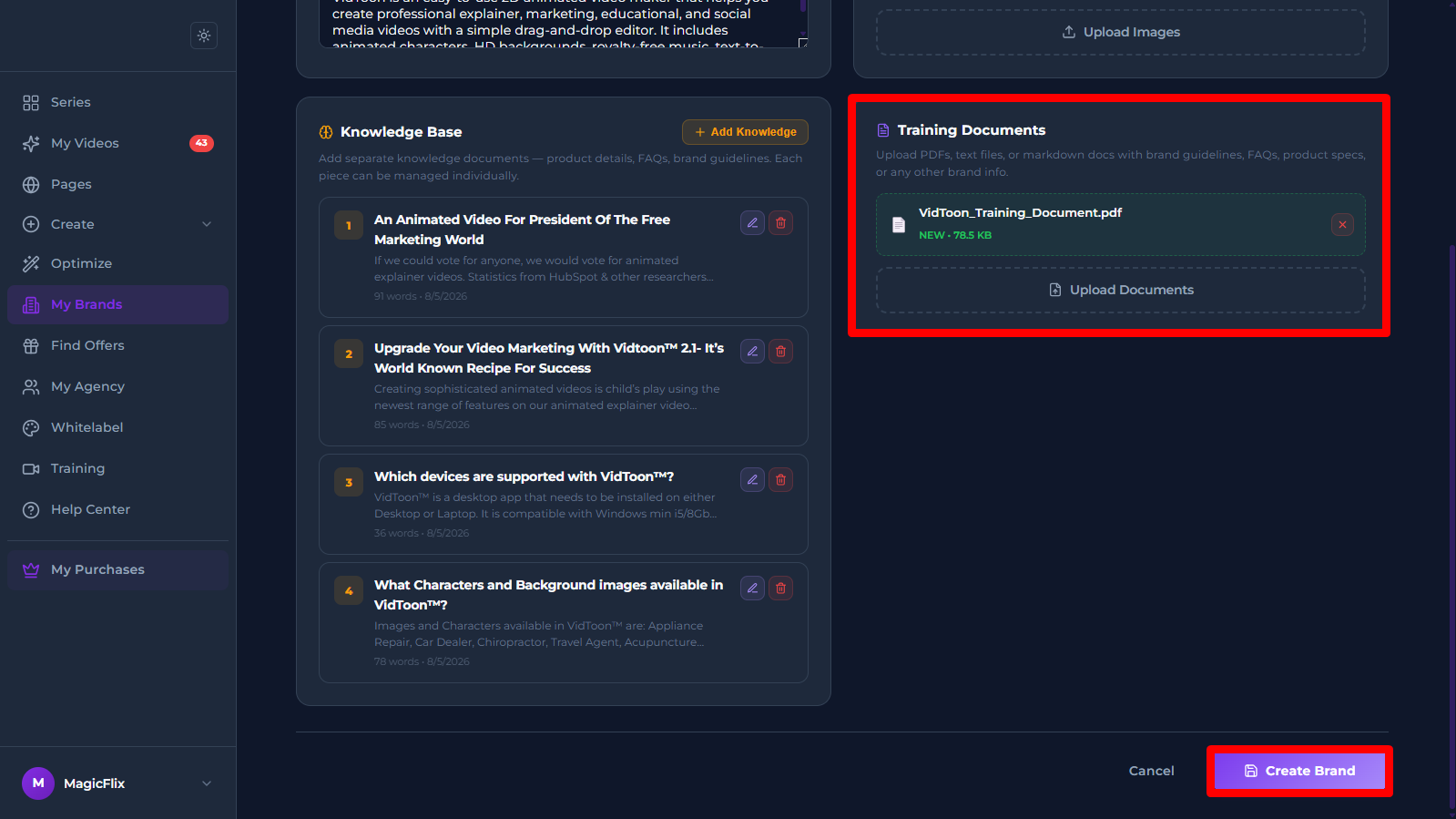
Once you are done click on “Create Brand”
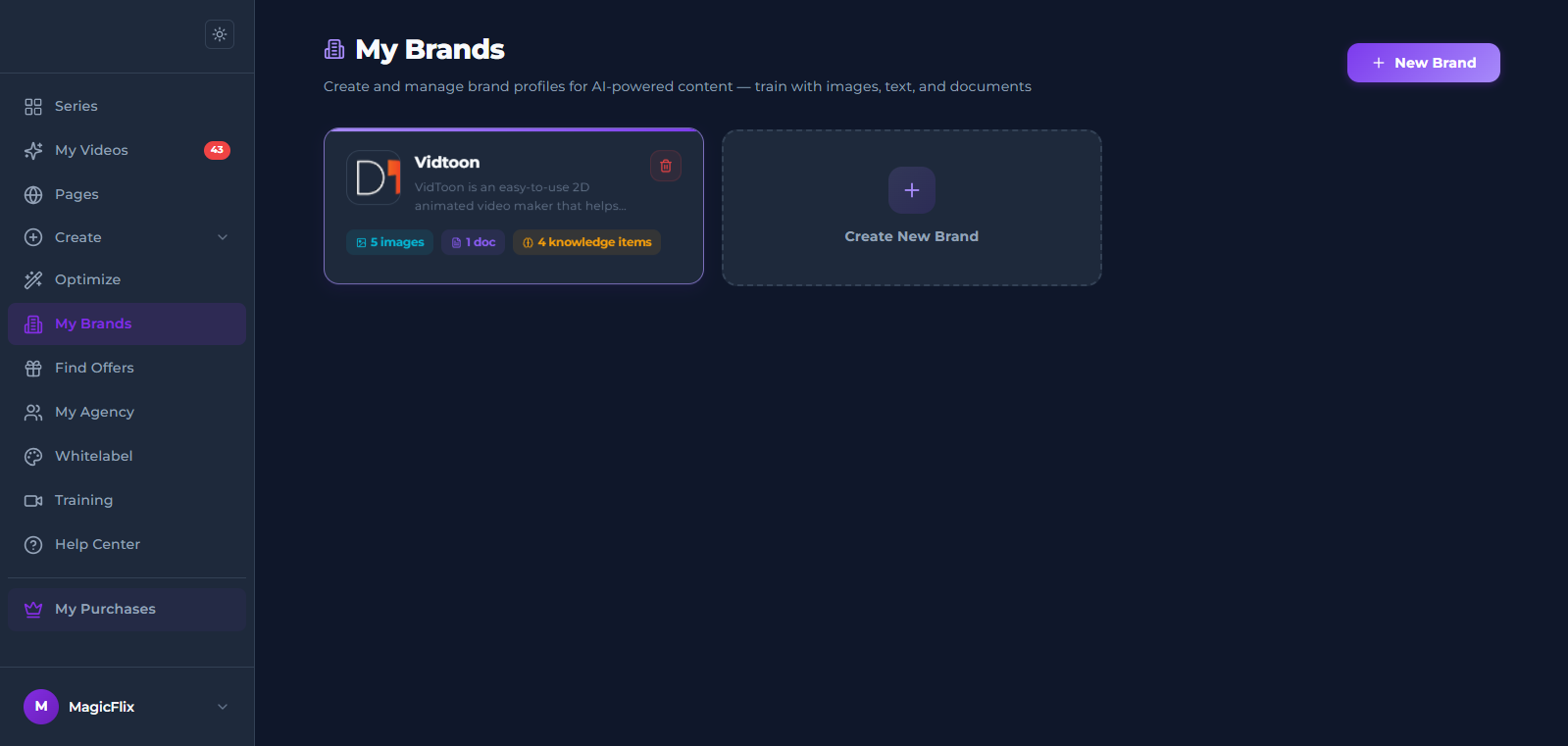
- Your brand is now created, you can use it across Magicflix to create content fit for your own specific brand.
Still No Luck ? We can help you
Create a ticket, we’ll get back to you as soon as possible.
Submit a Ticket