How do I edit my series?
1 month ago
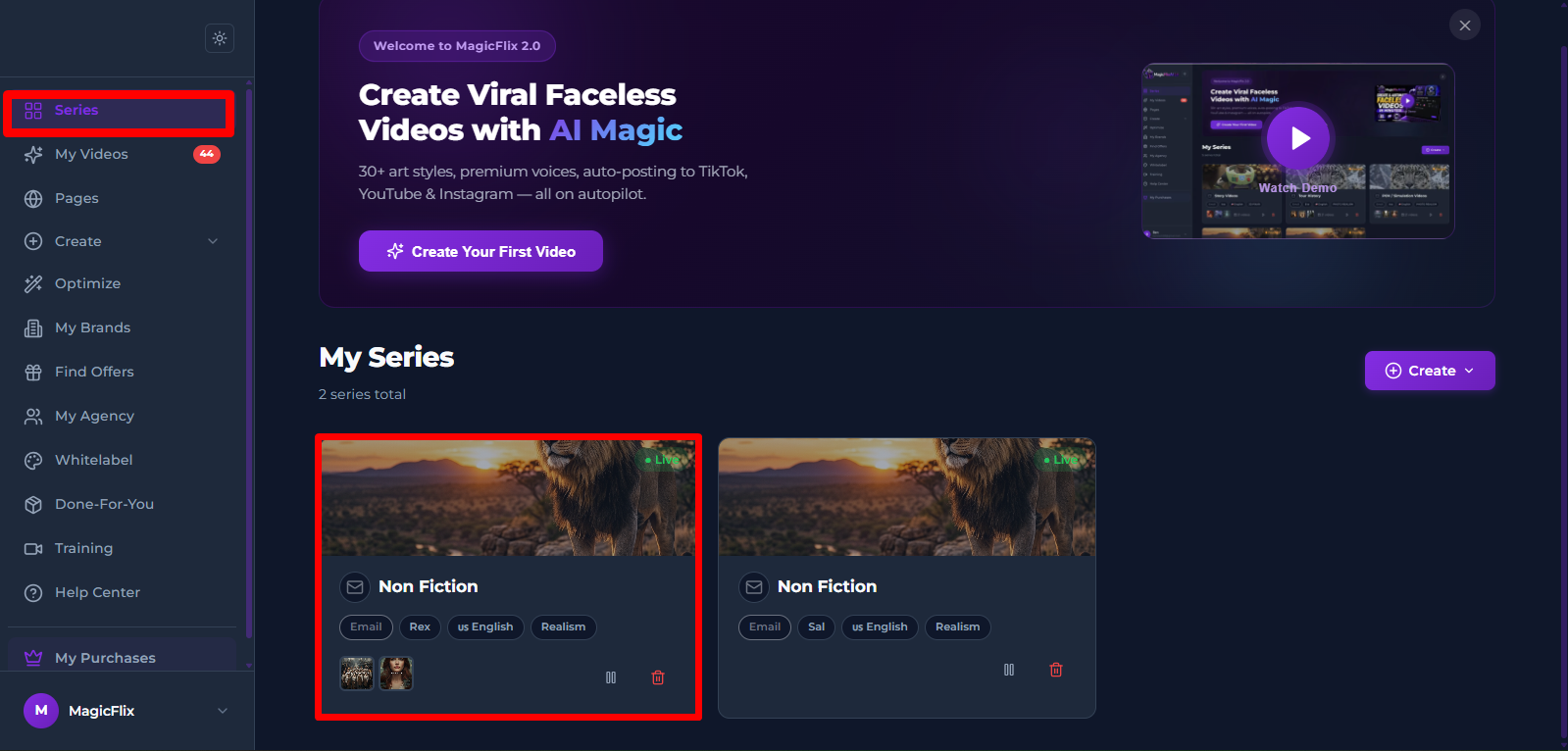
- Start from your series tab (https://new.magicflixapp.com/app/series) and find the series you want to edit and then click on it
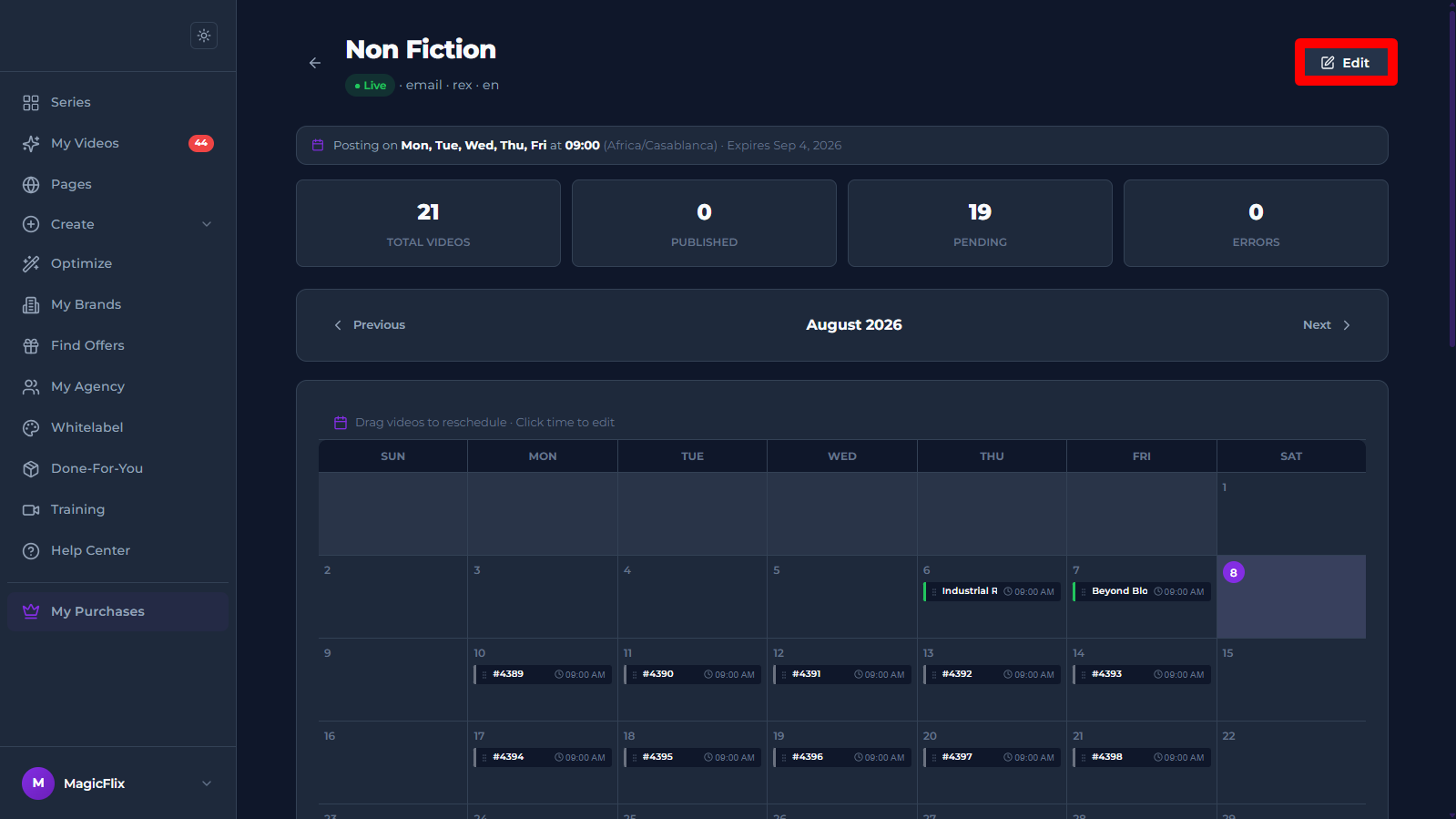
- Your series and the scheduling calendar will appear, click on “Edit” at the top right
- Editing the series:
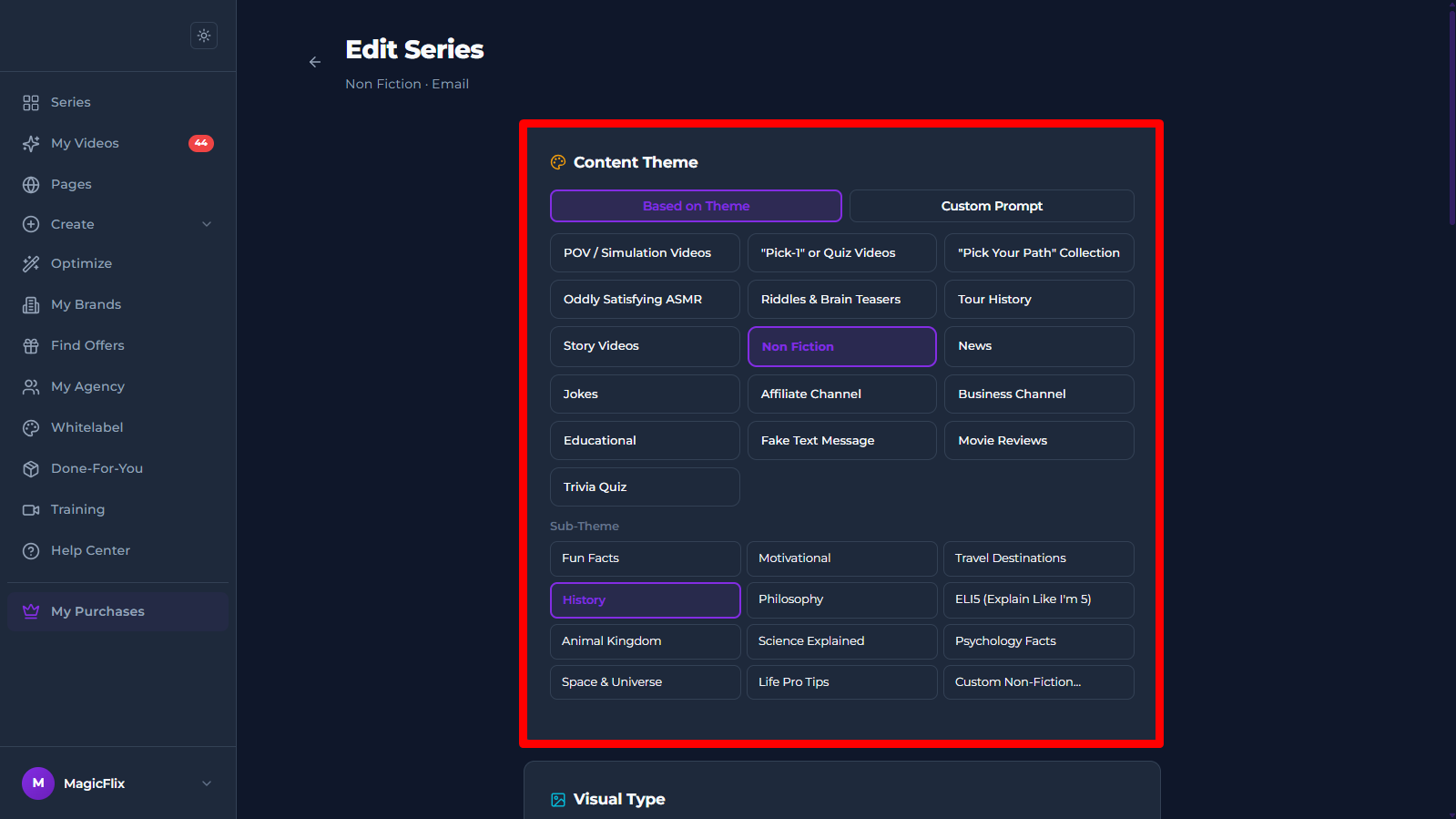
- Content theme: You can change the theme of your series and also change the subtheme
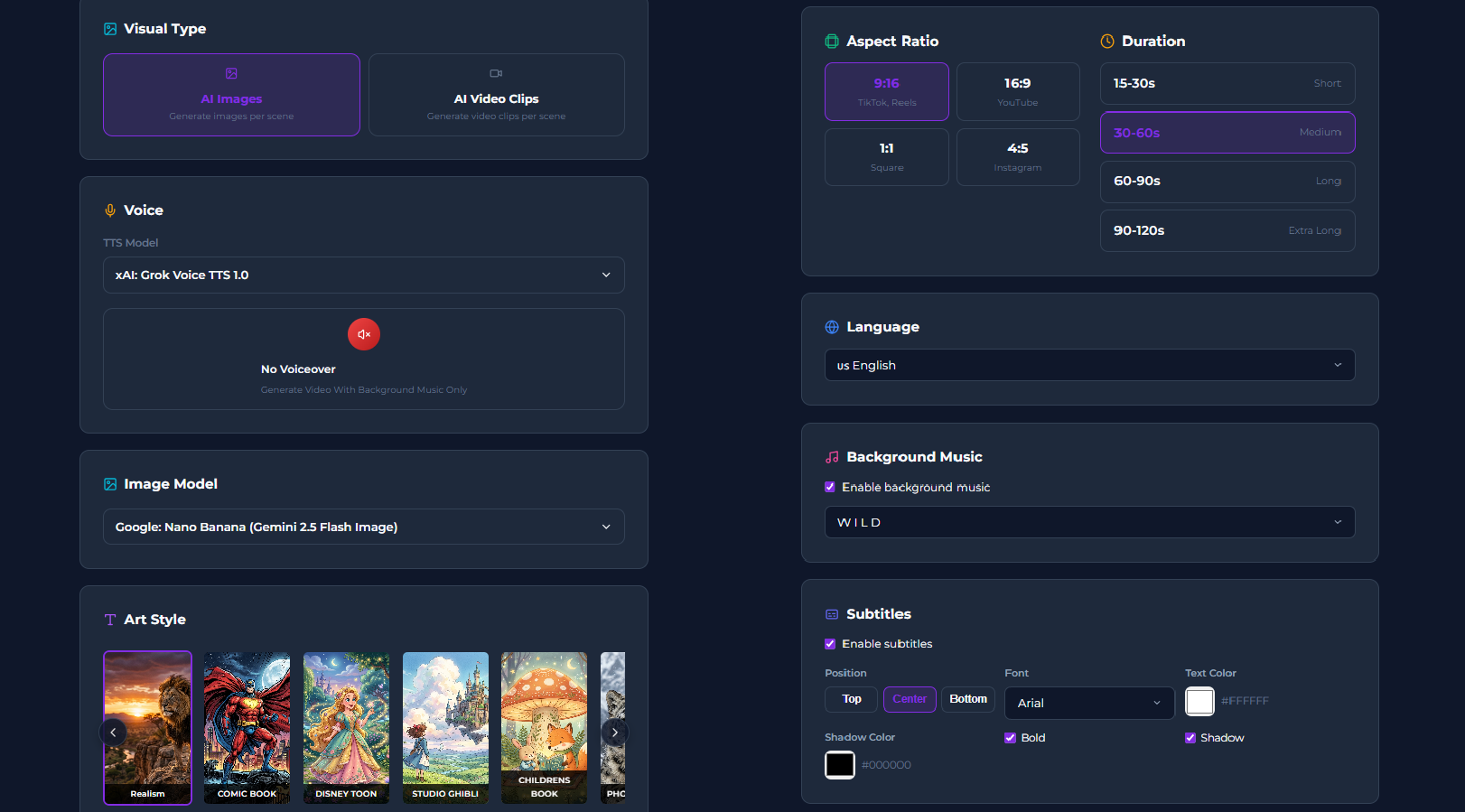
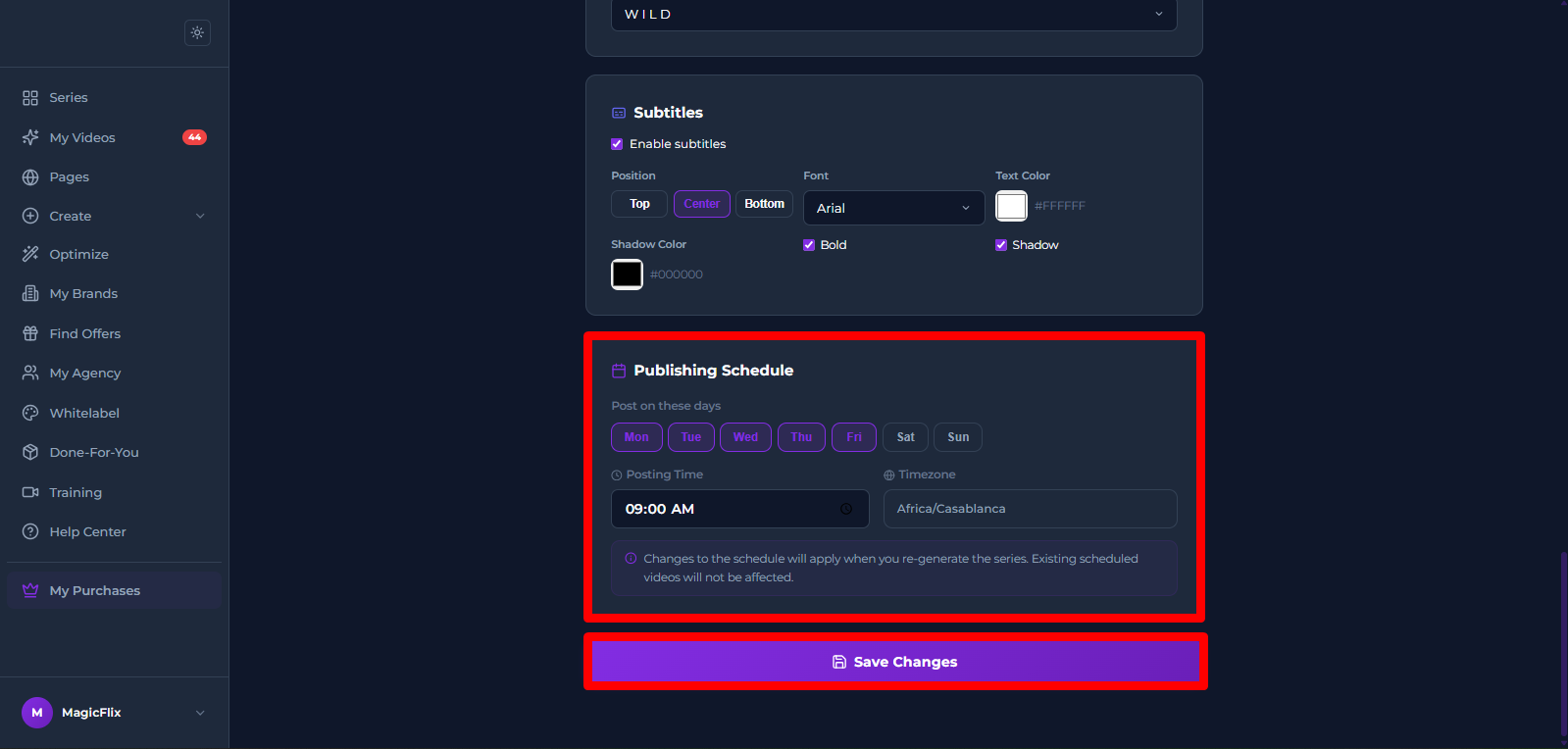
- Change the Visual type, Voice, Visuals model, Art style, Aspect Ratio, Language, Background music, and Subtitles.
- Finally you can change the Publishing Schedule
And when you’re done click “Save Changes”
- Content theme: You can change the theme of your series and also change the subtheme
Still No Luck ? We can help you
Create a ticket, we’ll get back to you as soon as possible.
Submit a Ticket