MagicFlix 2: How Do I Get my OpenRouter API?
1 month ago
To get your OpenRouter API key, first start by going to the OpenRouter website: https://openrouter.ai/
- Click on “Get API Key”
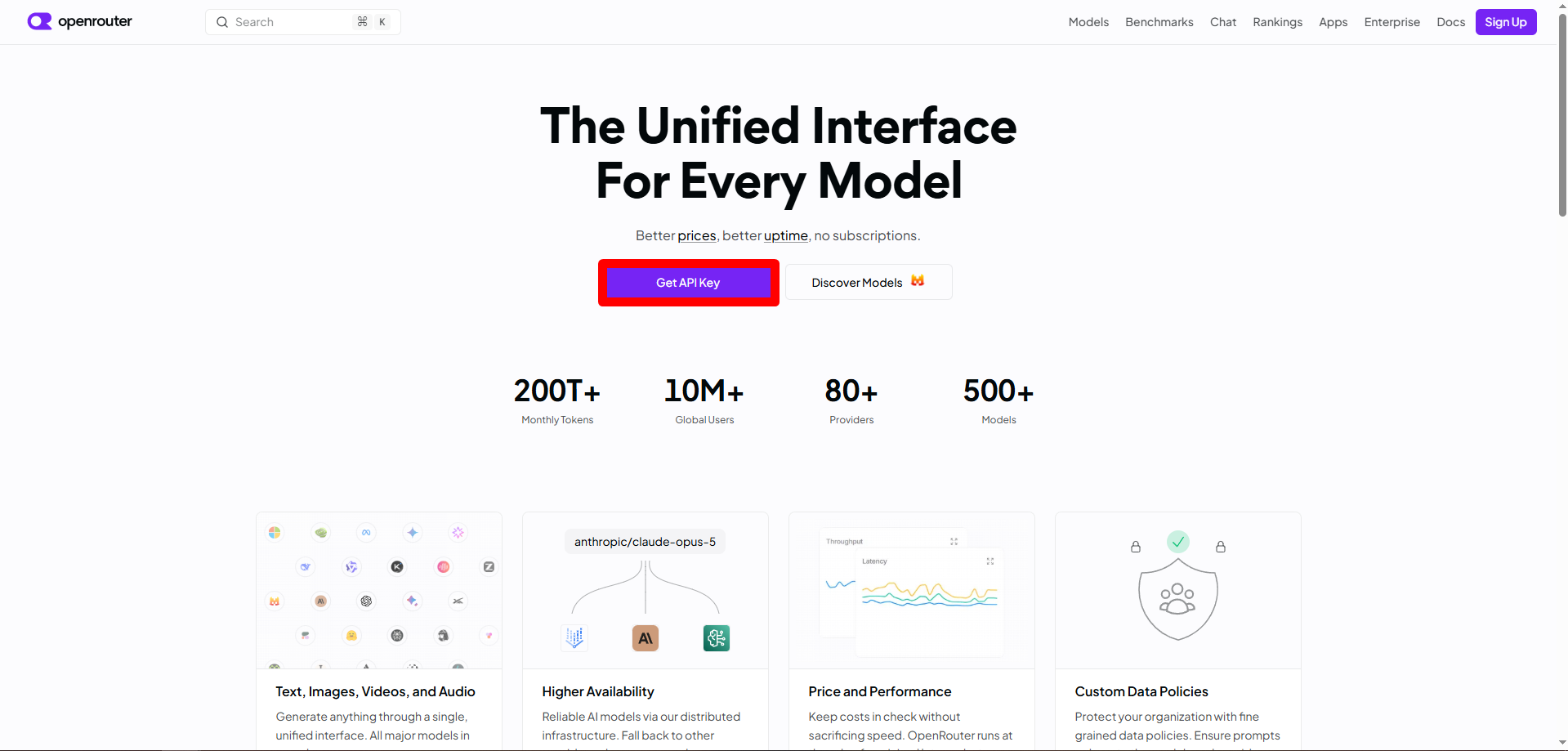
- Create your account, agree to the terms, and continue
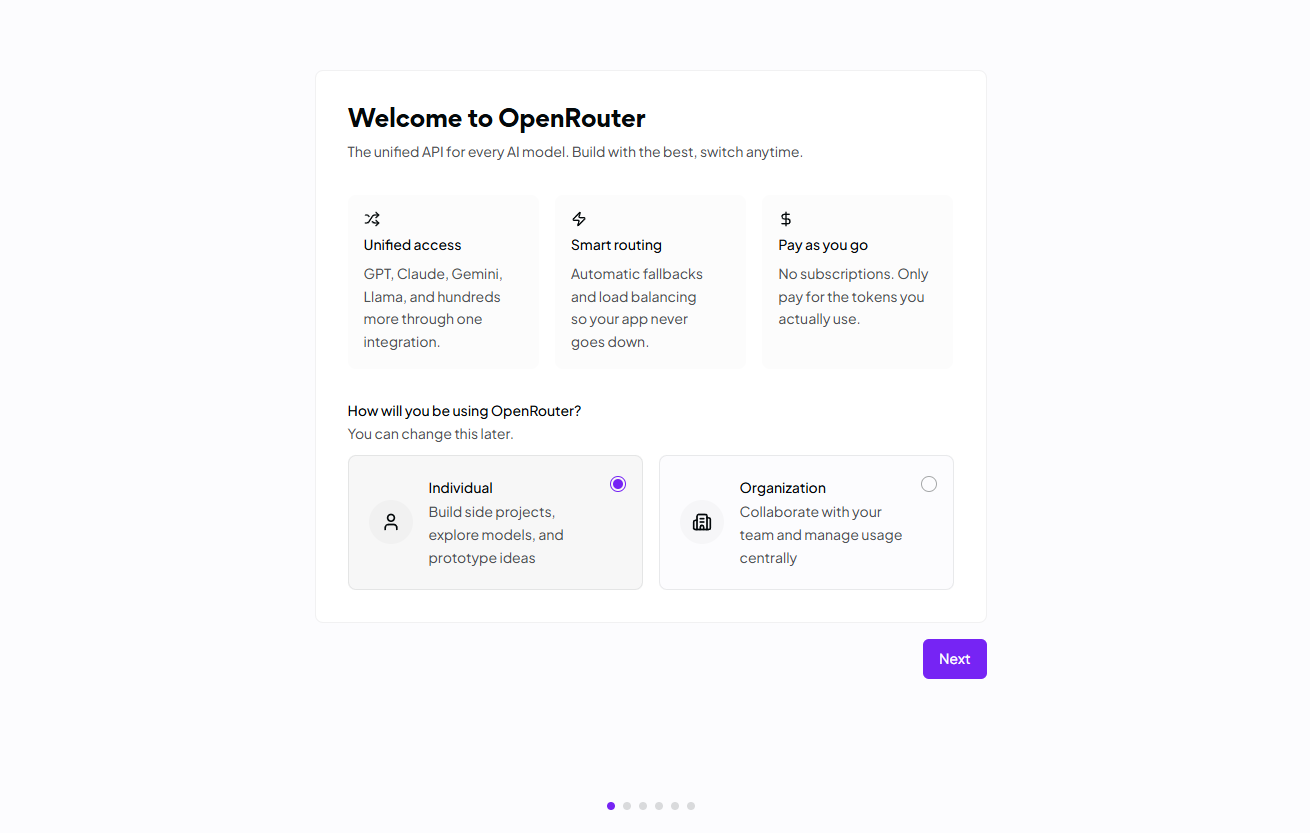
- Select individual
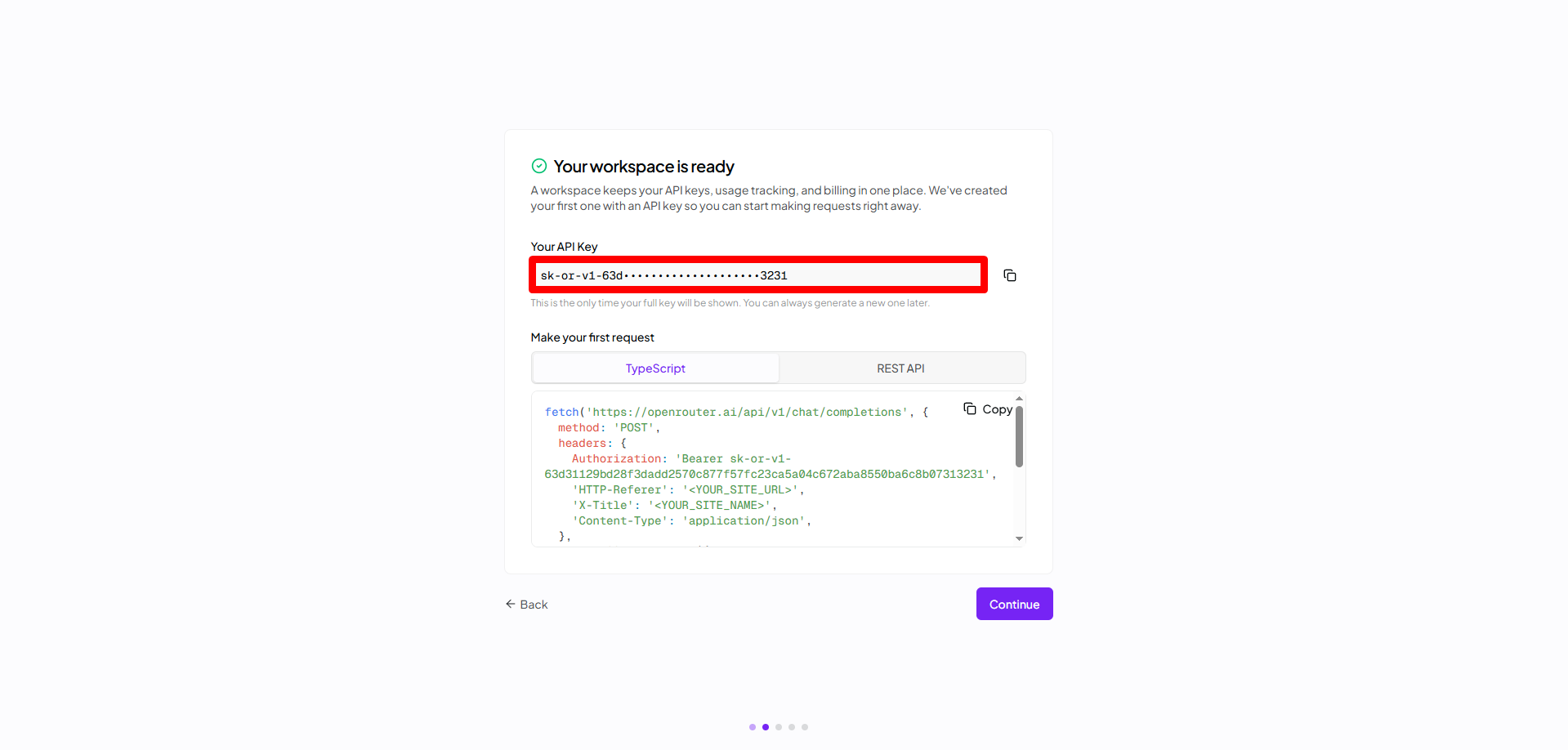
- Next, you will see your API key, you can copy it for now
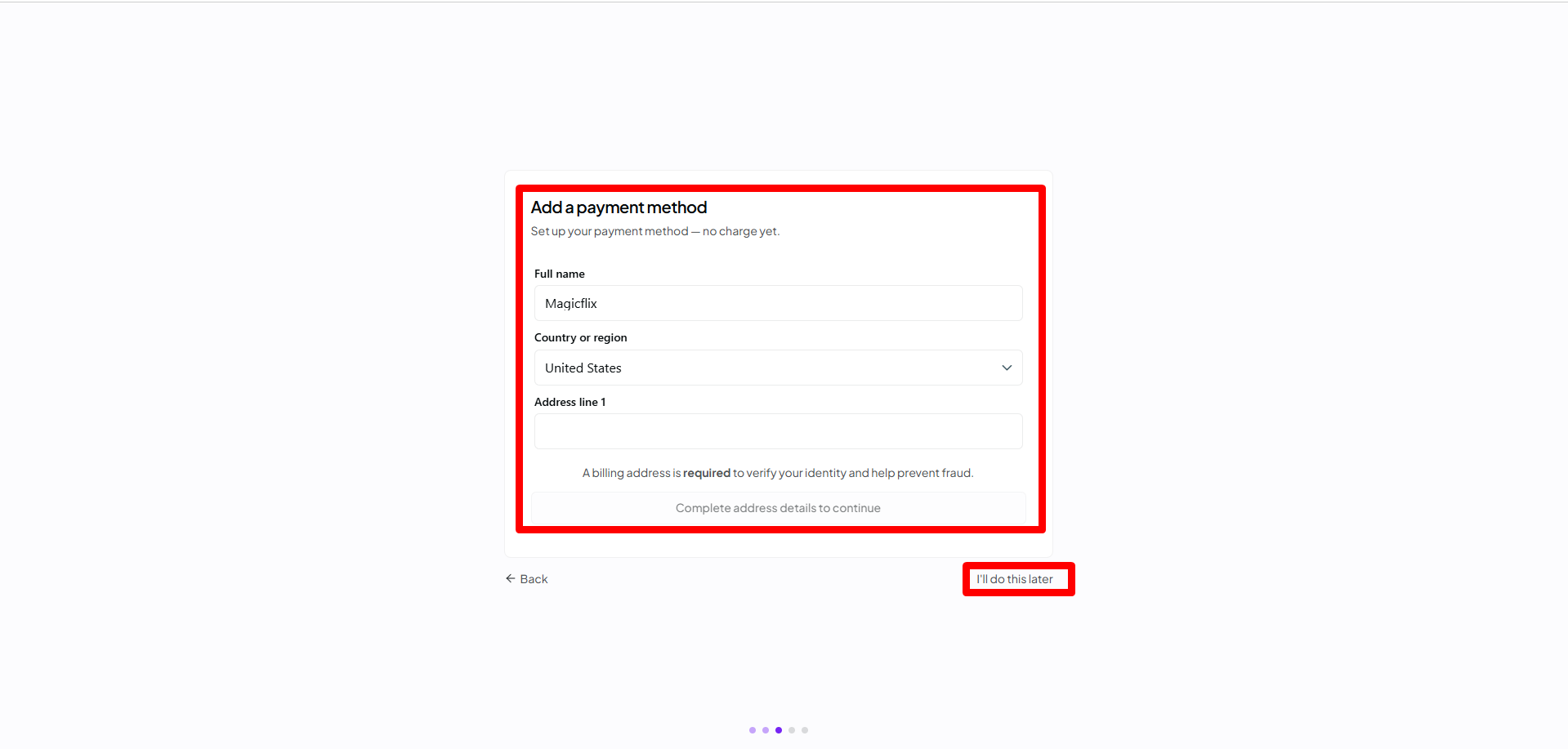
- Add your payment method, or select “I’ll do this later”, and finish your setup
- You will land on your Dashboard, if you didn’t copy your link before, you can click on the API tab to the left, and click on “New Key”
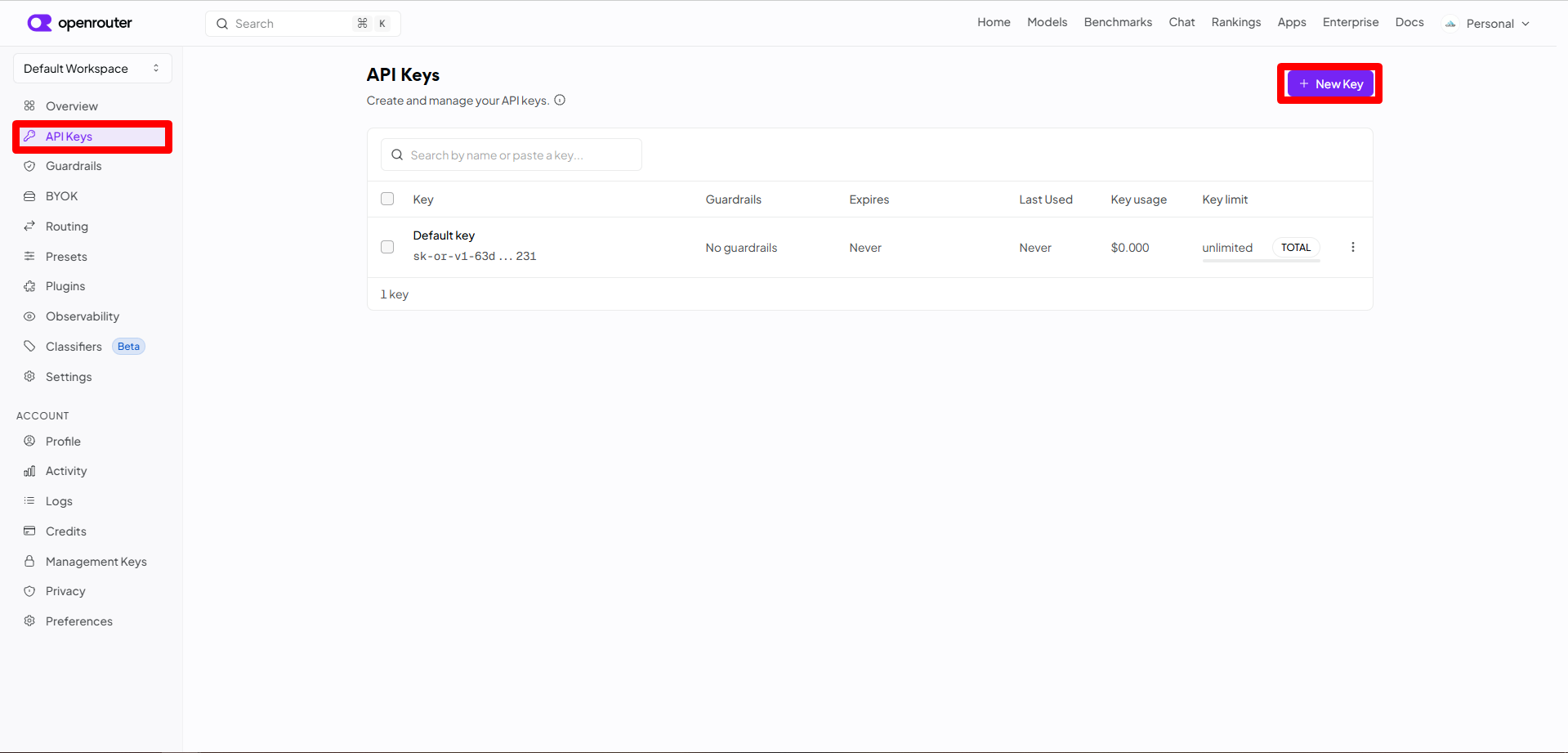
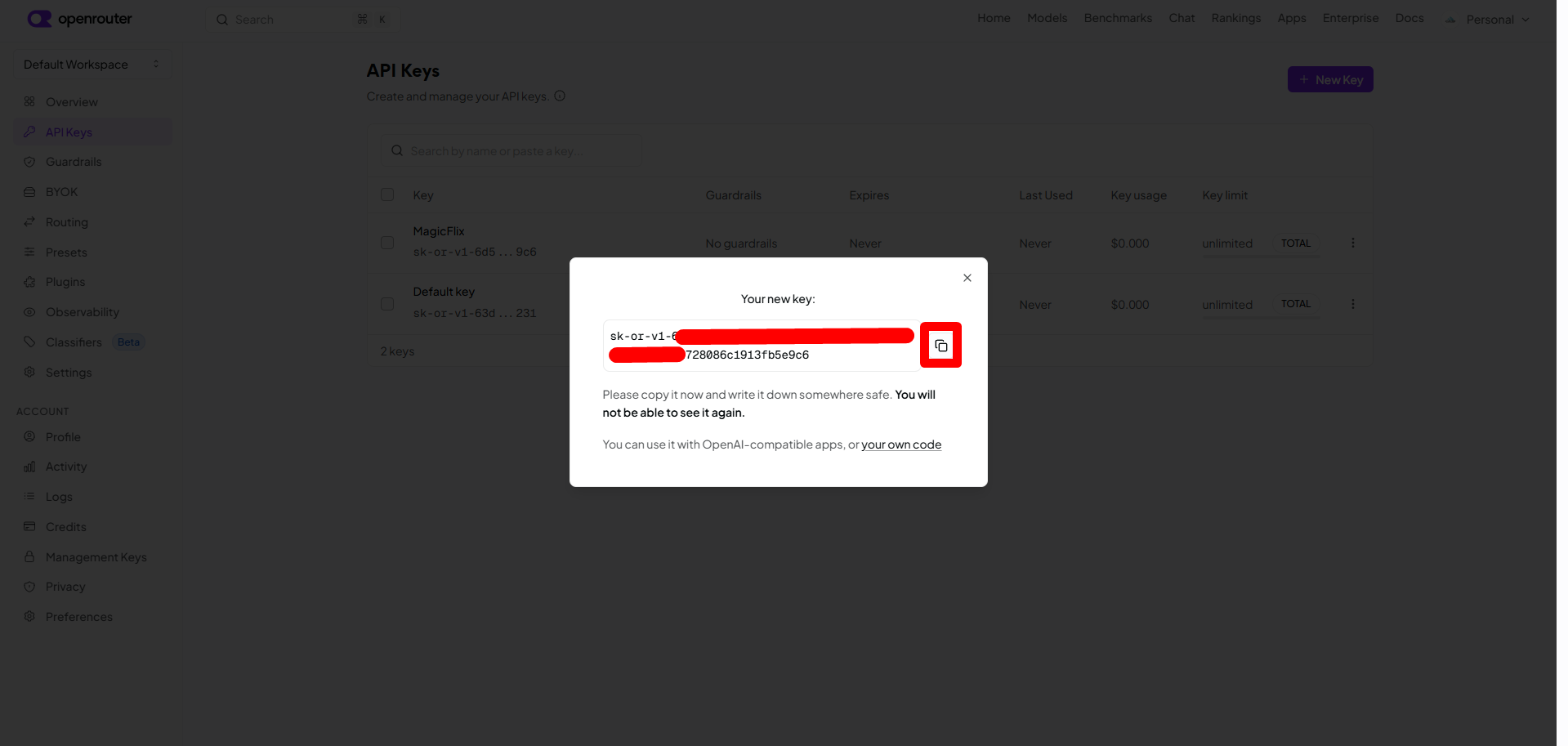
- Give your key a name then click Create, your key will be generated, just copy it and go to your Magicflix account
- In your MagicFlix account, go to your Profile, then to the AI & OpenRouter API tab
Here you can add your API key and click Save API Key
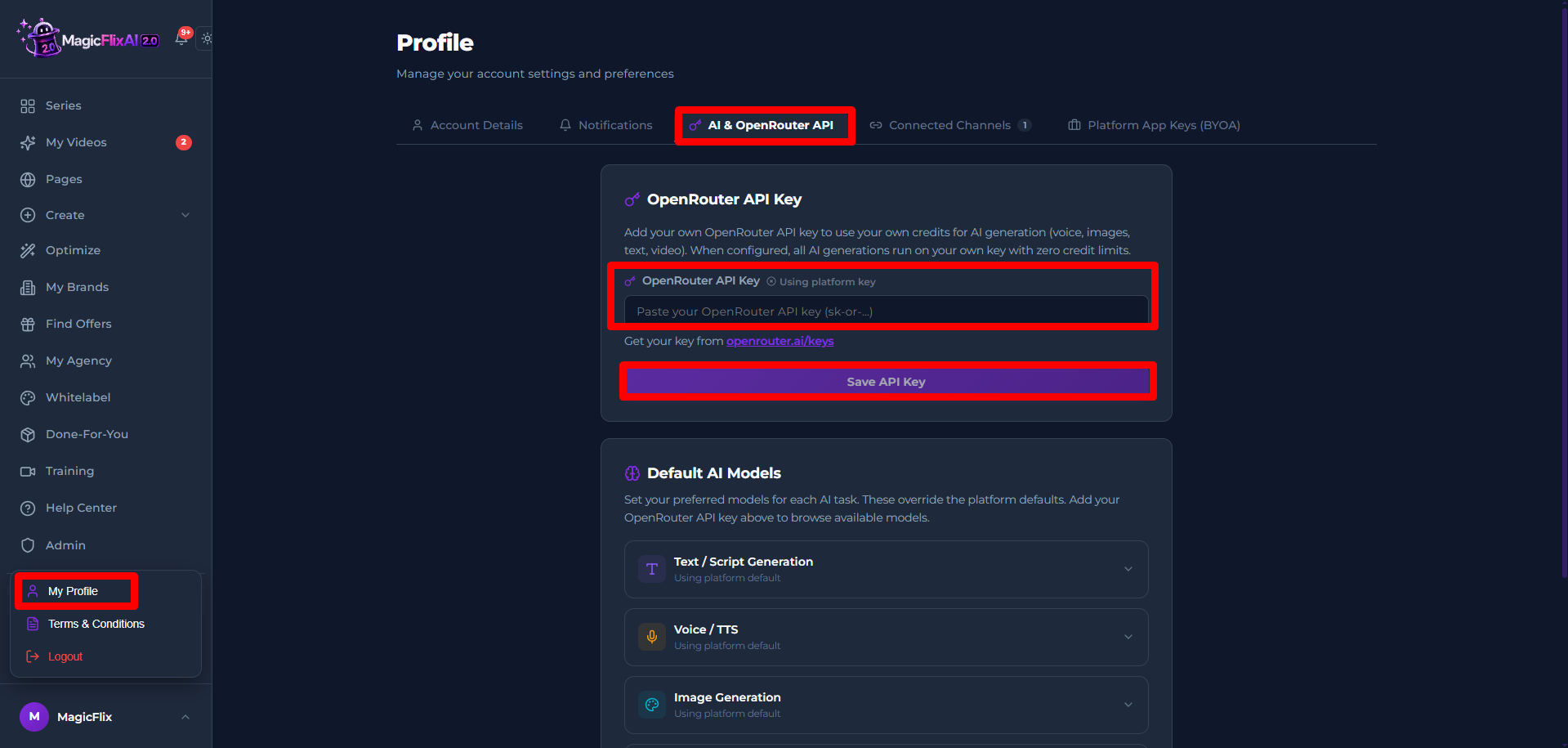
- That’s it your API key is now added, you can now use your key to generate video, you can also monitor your usage from your OpenRouter account.
Still No Luck ? We can help you
Create a ticket, we’ll get back to you as soon as possible.
Submit a Ticket